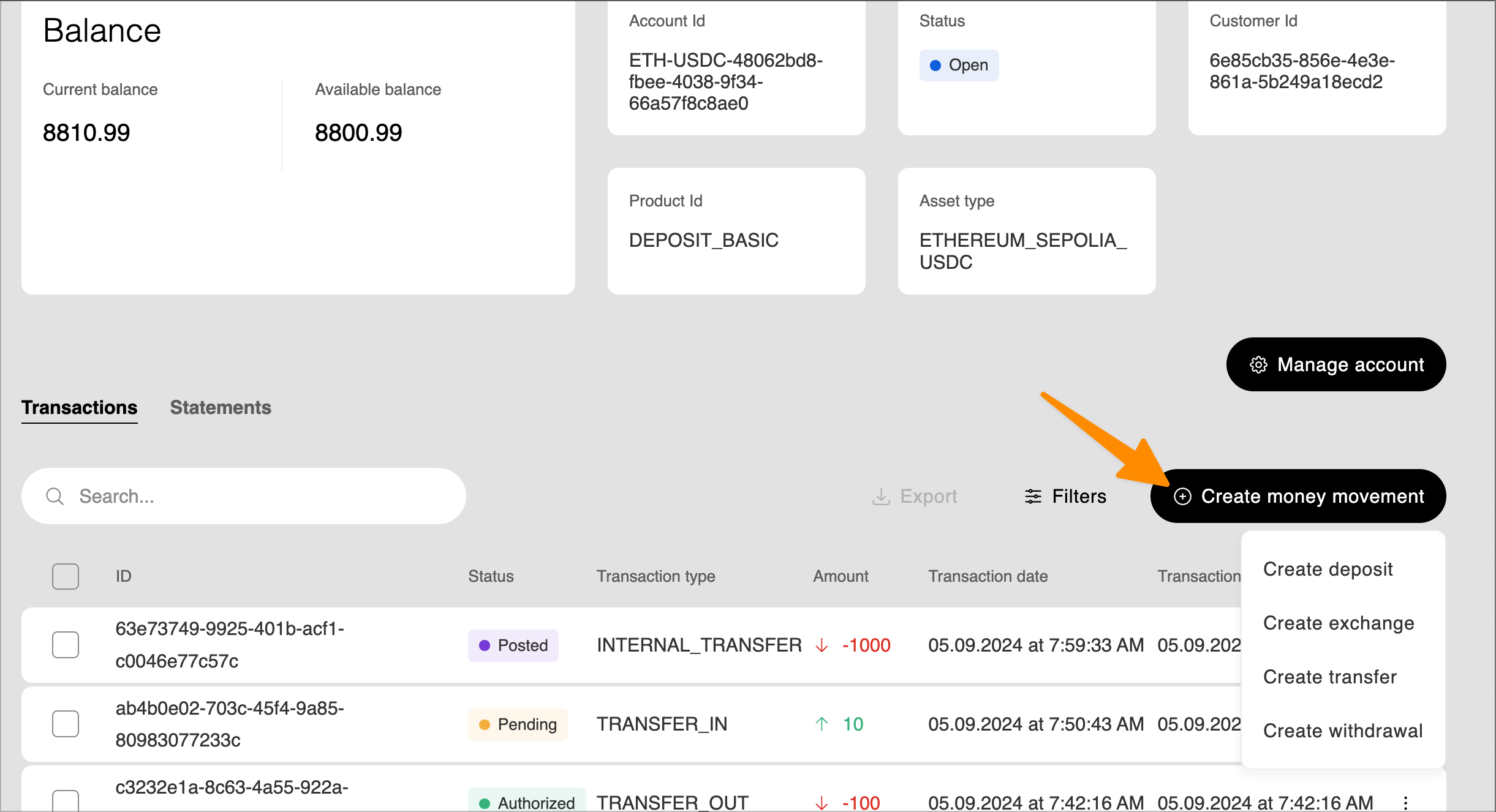
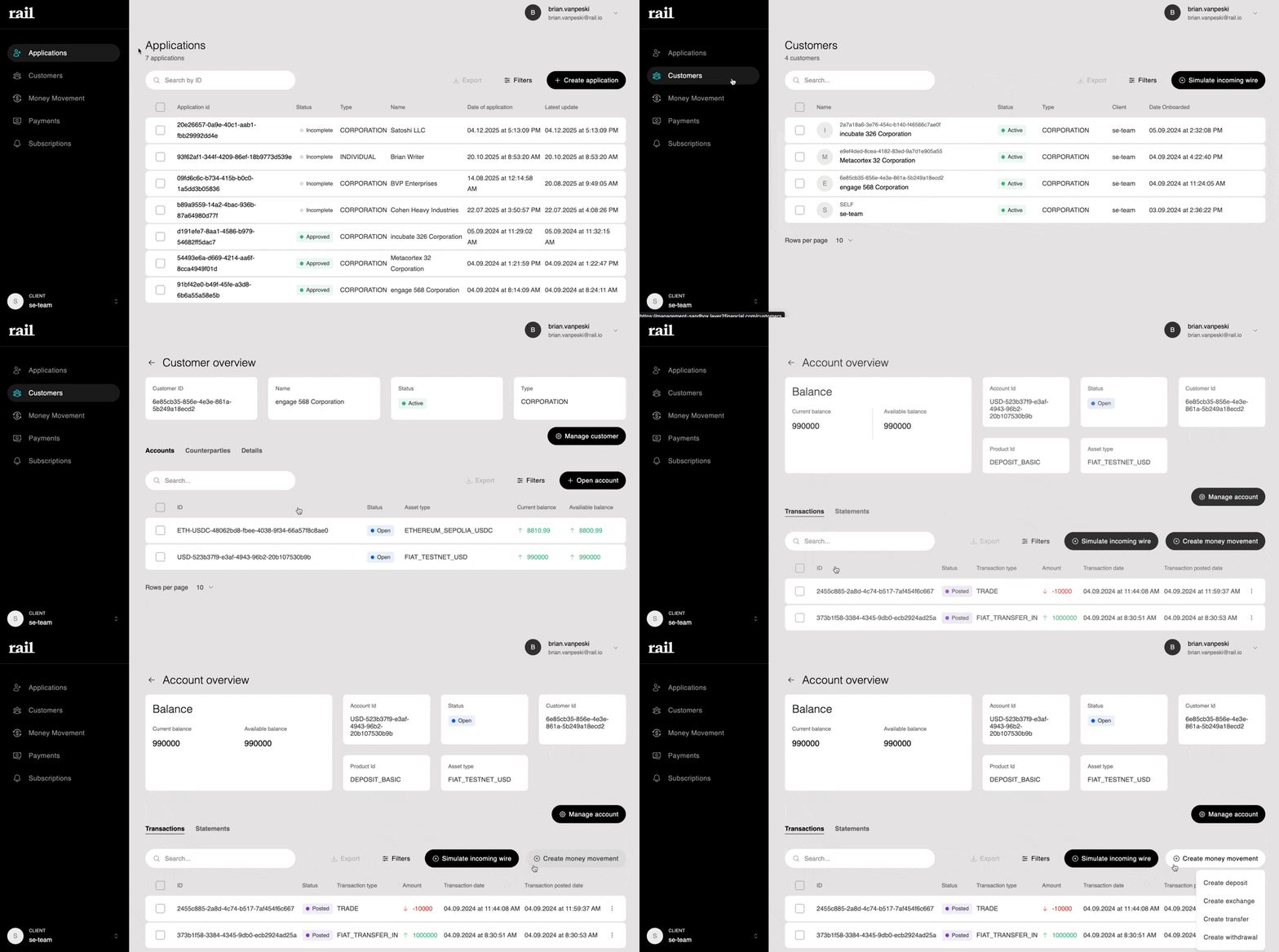
The Management UI provides tools to create and manage all types of fund movements on behalf of your customers. Use the "Create money movement" button from a customer's account page to initiate deposits, exchanges, transfers, or withdrawals on behalf of a customer. (Customers > Customer Detail > Select Account > Create Money Movement )
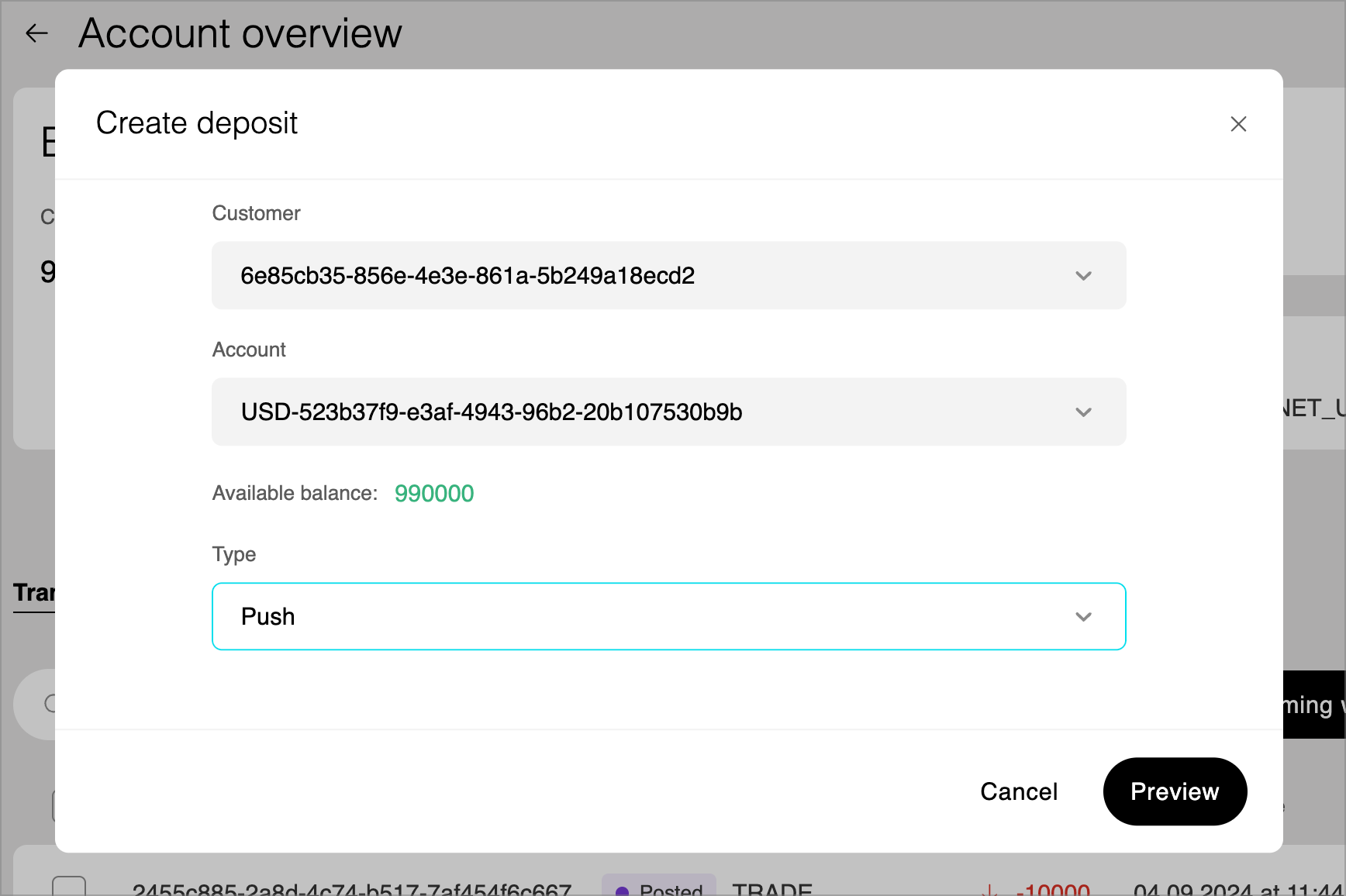
Use deposits to credit customer accounts with incoming funds. Select the customer, account, and deposit type to initiate the creation of deposit instructions.
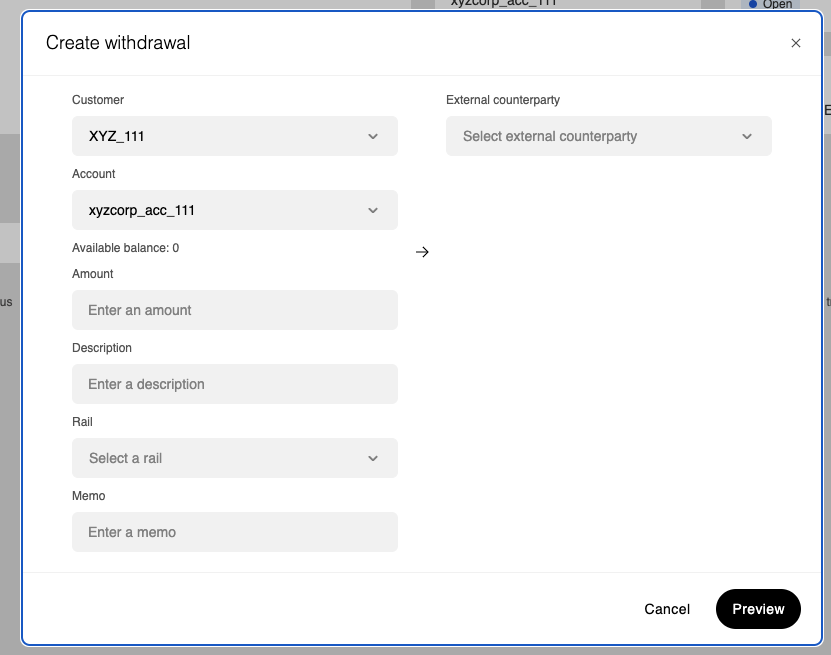
Withdrawals move funds from a customer account to an external counterparty.
Specify the customer, account, external counterparty, amount, rail, and optional memo.
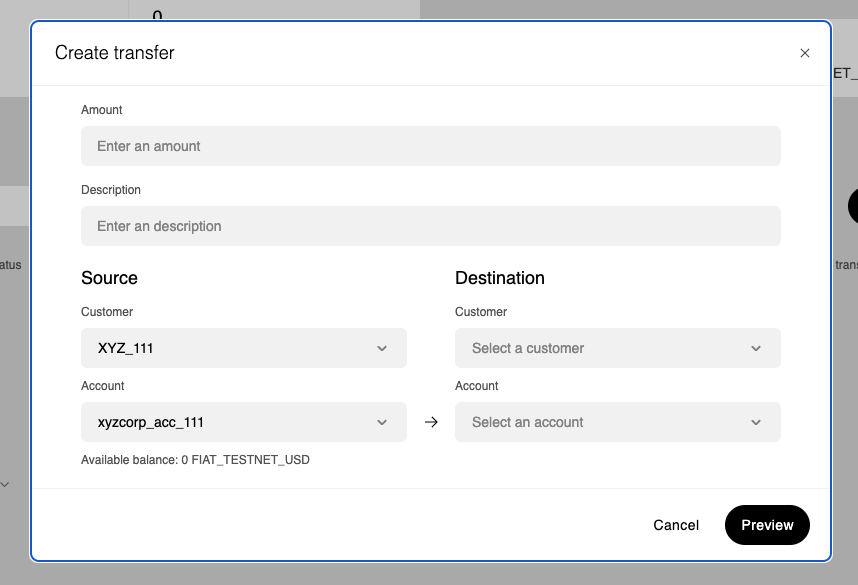
Transfers move funds between accounts within the platform. Enter the amount to transfer between customer accounts, which customers and accounts you want to transfer between, and a brief description.
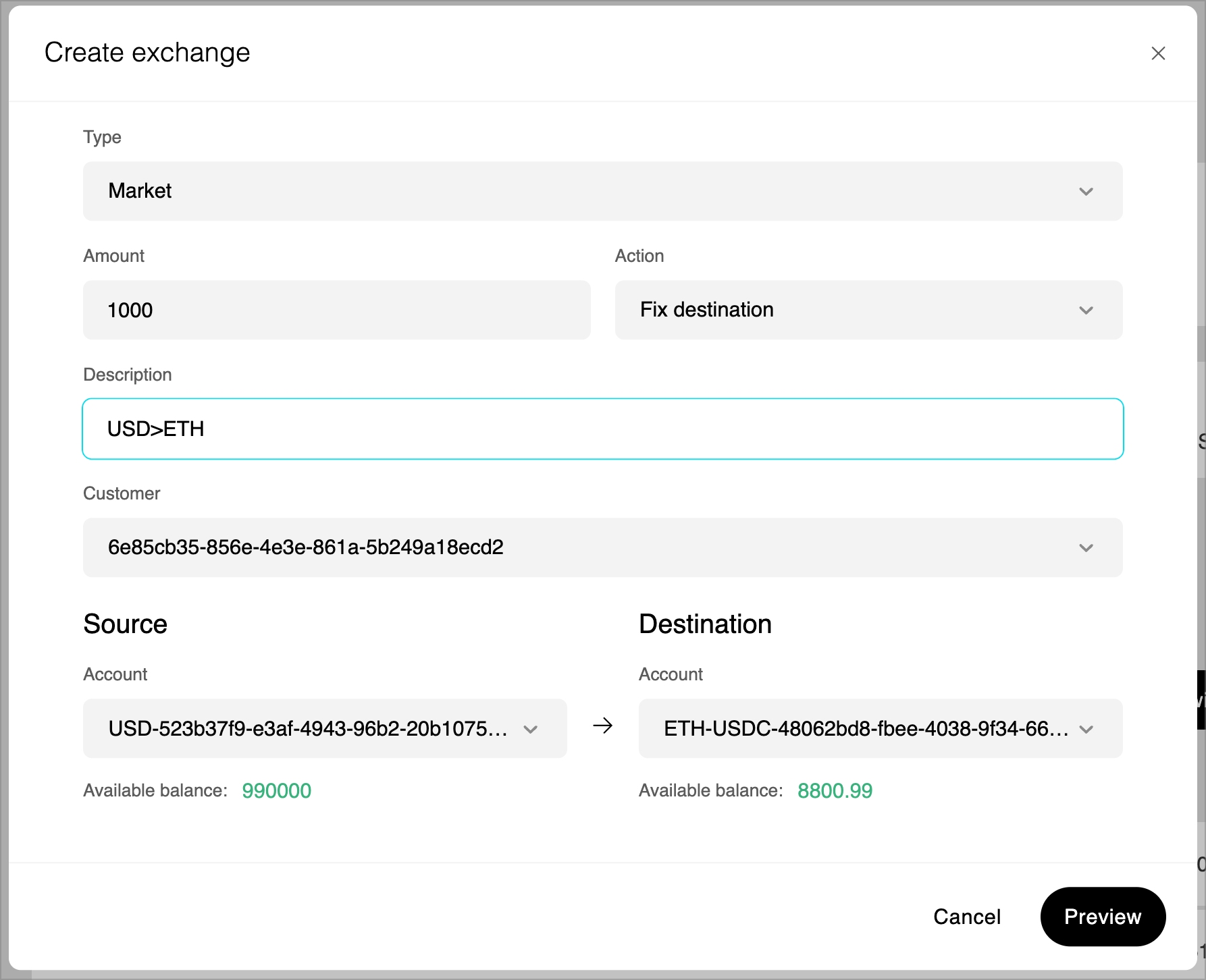
Exchange transactions convert funds between different asset types within customer accounts. Select the exchange type, amount, source and destination assets to initiate the conversion. You are able to preview the exchange before submitting for processing.
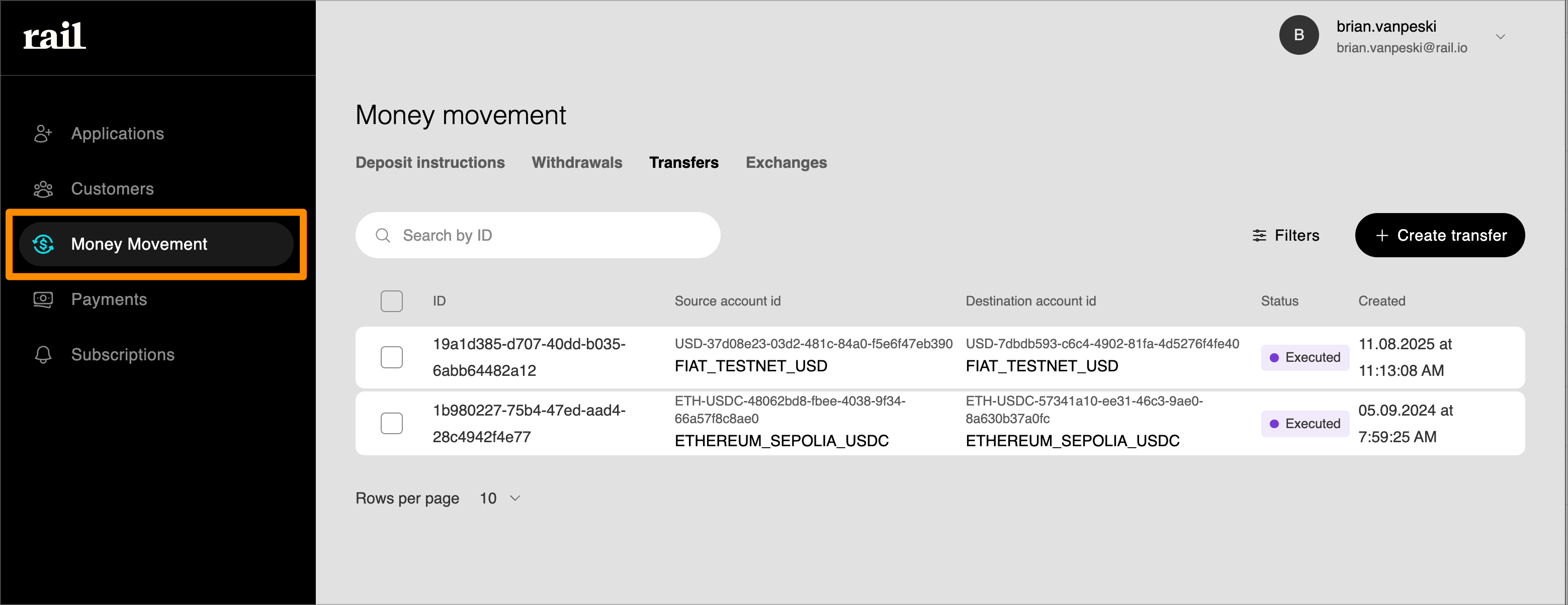
After creating a transaction, you can track its status and view details in the transaction history. You can view transactions across all your customer's accounts from the main Money Movement page, or click into an individual customer's account to see transactions specific to that account.